

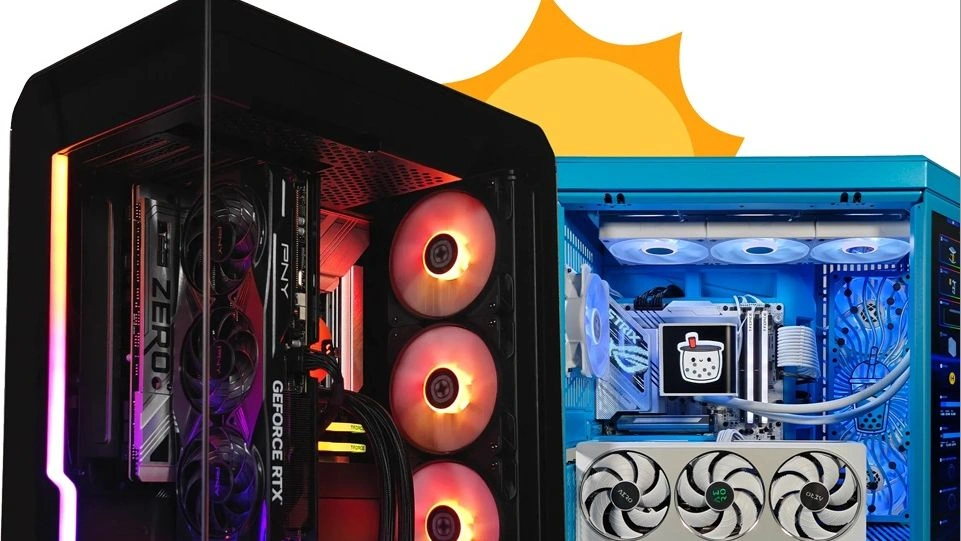
Summer is the perfect time to give your computer the attention it deserves. With a more relaxed schedule and extra free time, it’s an ideal opportunity to perform a few targeted upgrades and maintenance tasks that can significantly improve both performance and the overall user experience.
Unlike building an entirely new PC, upgrading an existing system is often far more affordable while still delivering noticeable gains for everyday productivity, entertainment, gaming, and demanding workloads.
More RAM and a faster SSD make the biggest difference
Increasing system memory and upgrading to a faster SSD remain two of the most effective improvements for most users. Modern applications, games, and AI-powered tools demand more resources than ever, making 16 GB of RAM the practical minimum for today’s PCs, while 32 GB provides a much smoother experience for multitasking and professional workloads.
Likewise, a high-speed NVMe SSD dramatically reduces boot and application loading times, improves file transfer performance, and offers the storage capacity needed for increasingly larger software and media files.
Keep your PC cool to maintain peak performance
Summer heat can put additional stress on computer hardware. Dust buildup, poor airflow, or an aging cooling system may cause higher operating temperatures, forcing components to throttle performance.
Cleaning the inside of the case, improving cable management to optimize airflow, installing additional cooling fans, or replacing old thermal paste on the processor can all help maintain lower temperatures and ensure more consistent performance.
A better monitor improves every task
While internal components often receive the most attention, the monitor is the part of the computer users interact with the most. Upgrading to a modern display with higher resolution, faster refresh rates, or improved color accuracy can significantly enhance productivity, content creation, media consumption, and gaming.
Sharper visuals, a larger workspace, and reduced eye strain are improvements users are likely to notice immediately.
Don’t forget software maintenance
Not every upgrade requires new hardware. Removing unused applications, organizing storage, limiting startup programs, and installing the latest software updates can noticeably improve system responsiveness.
It’s also an excellent time to back up important files, ensuring valuable data remains protected in the event of hardware failure or unexpected issues.
A small upgrade can go a long way
Refreshing a PC doesn’t necessarily require a major investment. A handful of carefully selected hardware upgrades combined with proper maintenance can extend the lifespan of an existing system, delivering faster performance, greater reliability, and a smoother computing experience well into the new season.