
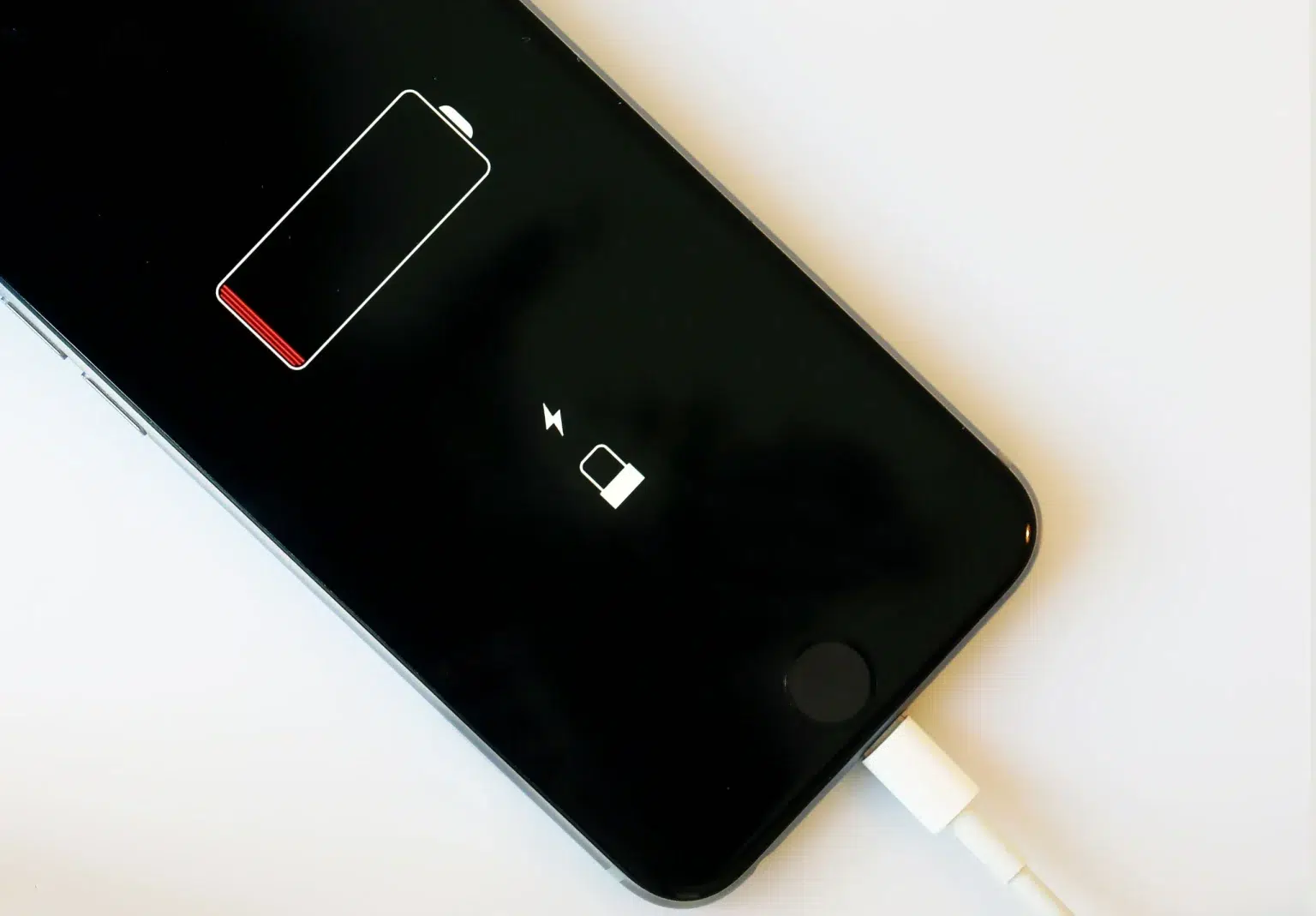
Most users believe that short battery life or security issues on their phone are due to the device model or its age.
In reality, many “innocent” default settings run in the background, consuming energy and leaving open windows for tracking or malicious apps. Below are seven settings that security experts and technicians recommend disabling immediately.
Constant location tracking drains battery and is one of the main entry points for privacy breaches.
What to do:
Turn off Location completely when you don’t need it.
For apps, allow it only “While Using the App,” not permanently.
Even when not in use, the antennas constantly ping nearby devices or networks, consuming energy.
In public places, they also increase the risk of spoofing.
What to do:
• Turn off Bluetooth/Wi-Fi when not in use.
• Prefer “Ask to Join Networks” instead of automatic connection.
Every notification “wakes up” the phone, lights up the screen, and uses data.
Cumulatively, it’s one of the biggest battery drain factors.
What to do:
Turn off push notifications for social, shopping, and gaming apps.
Keep only those you consider essential and useful.
Apps that refresh themselves in the background consume battery, data, and reduce performance.
What to do:
iPhone: Settings → General → Background App Refresh → Off / Selective
Android: Disable background activity for apps that don’t need constant operation.
They are useful but leave “open doors” for unwanted file transfers in public spaces and consume energy.
What to do:
• AirDrop: “Receiving Off” or “Contacts Only.”
• Nearby Share: off when not in use.
Constant syncing of photos, files, emails, and apps unnecessarily increases consumption.
What to do:
• Turn off Auto-Sync for apps that don’t need constant updating.
• Choose manual sync for photos/videos, only over Wi-Fi.
• Two-Factor Authentication (2FA) for email, social media, and banking.
• Find My iPhone / Find My Device for locating your phone.
• Automatic Security Updates — but not automatic app installations.
Battery life and digital security are not determined only by the device’s age or model. In practice, the biggest “leaks” come from default settings that run without the user realizing it. With a few targeted changes, performance improves instantly — and exposure to risks drops significantly.
Leave a Reply